Three Ways to Print a Book from a PDF
Before you decide how to print your book, you have three real options. Most people don't realize the differences — and the differences matter because they change what your book will cost, how long it'll take, and how professional the finished product looks.
1. Online Book Printer (Best for Most People)
An online book printer like YourBookPress takes your PDF, prints it on commercial-grade equipment, binds it using real book-binding presses (perfect bound paperback, spiral, hardcover, or saddle stitch), and ships the finished book to your door. The per-copy cost is the lowest of all three options, the quality is professional and retail-ready, and you can order anything from a single copy to thousands.
- Cost: $8–45 per copy depending on binding and page count
- Turnaround: 7–10 business days including shipping
- Quality: Professional / retail-quality
- Minimum order: 1 copy
- Binding options: All (perfect bound, hardcover, spiral, saddle stitch)
Who it's for: Anyone printing a book they plan to keep, sell, gift, or use beyond a single quick copy. Self-publishers, authors, families making legacy books, small businesses printing training manuals, students printing theses, cookbook writers, photographers making portfolio books. When people search for “print and bind PDF” or “pdf printing and binding service,” this is what they actually want.
2. Local Copy Shop (Staples, FedEx Office, Local Print Shops)
A local copy shop can print a book from a PDF and bind it in-store, usually with a plastic comb binding, spiral coil, or simple glue binding. Faster turnaround than online printing (often same-day), but significantly more expensive per copy and with limited binding and paper options.
- Cost: $20–60 per copy for a 200-page book
- Turnaround: Same day to 2 days
- Quality: Basic / office-grade
- Binding options: Comb, plastic coil, basic glue binding (no real hardcover or professional paperback)
Who it's for: Someone who needs a single copy printed in the next 24 hours, doesn't care about binding quality, and is okay paying 3–5x more per copy. Searches for “print and bind pdf near me” or “print a book from pdf near me” usually end up here — and usually end up paying a lot more than they needed to.
3. Home Printer (Rarely Worth It)
Can you print a book from a PDF at home? Technically yes. You open the PDF, hit print, and out come 200 loose pages. The problems start there.
- Cost: $60–120 in ink alone for a 200-page B&W book. Plus paper.
- Turnaround: 2–4 hours of printing + DIY binding time
- Quality: Amateur / visibly homemade
- Binding options: None that look professional. Ring binders, stapling, or DIY gluing.
The honest math: A 200-page book printed at home typically costs more than the same book printed professionally online, with an amateur-looking finished product. Online book printing often costs less than the ink it would take to print the same book at home — and you get a real bound book instead of a stack of loose pages in a ring binder.
How to Print a Book from a PDF Online — Step by Step
The online process is the same whether you're printing one copy or five hundred. Here's exactly what happens from upload to delivery.
-
1
Prepare your PDF
Your PDF needs to be sized to match your chosen trim size, include 0.125" bleed for any full-bleed designs, use 300 DPI images, CMYK color mode, and embedded fonts. Most exports from Word, Google Docs, InDesign, Canva, and Apple Pages meet these requirements. Writing in Word? See how to format your book in Word before you export, and check what image resolution you need for printing. If you're not sure, upload it anyway — the system auto-checks for issues before your order goes through.
-
2
Configure your book in the calculator
Use the calculator at the top of this page to set binding, trim size, page count, interior color, paper, cover finish, and quantity. Price updates live as you change each option — no quote requests, no waiting.
-
3
Upload your PDF
Upload the interior PDF (up to 500MB). The system checks page dimensions, flags low-resolution images, verifies color mode and bleed, and confirms fonts are embedded. If something's off, you'll see it before placing the order.
-
4
Design or upload your cover
Use the built-in cover designer or upload your own pre-designed wraparound cover (front + spine + back as a single PDF). Spine width is calculated automatically based on page count and paper type.
-
5
Review and approve the digital proof
You receive a digital proof showing exactly how your finished book will look. Check trim, bleed, color, and overall layout. Approve when it's right.
-
6
Receive your printed books
Production starts immediately after proof approval. Standard turnaround is 5–7 business days for production, plus 2–5 business days for ground shipping. Rush production (2–3 business days) is available at checkout.
Cost to Print a Book from a PDF
How much does it cost to print a book from a PDF? Here's a realistic benchmark for a 200-page 6" x 9" perfect bound paperback with standard B&W interior on 70# uncoated paper — the most common configuration.
| Quantity | Per copy | Order total |
|---|---|---|
| 1 copy (proof) | ~$8 | ~$8 |
| 15 copies | ~$5.50 | ~$83 |
| 50 copies | ~$4.25 | ~$213 |
| 150 copies | ~$3.25 | ~$488 |
| 500 copies | ~$2.60 | ~$1,300 |
| 1,000+ copies | ~$2.15 | ~$2,150+ |
The cheapest way to print a book from a PDF: perfect bound paperback + B&W interior + 70# uncoated paper + order 50+ copies. This combination gives you the lowest per-unit cost.
For a hardcover book printed from a PDF: expect roughly 2–3x the paperback cost. A single 200-page hardcover starts around $18 per copy and drops to $8–10 at 150+ copies.
For full color interior: expect roughly 2x the B&W cost. For books where diagrams can work in grayscale, B&W saves 40–60%.
For photo books printed from PDF: 100# glossy paper + premium color. A 120-page 11x8.5 coffee table book printed from a PDF typically runs $35–45 at quantity 1 and $10–15 at 500+ copies.
Print and Bind a PDF Online — The Integrated Service
Most people searching for how to print and bind a PDF don't realize that “print” and “bind” happen as a single integrated service when you use an online book printer. You don't have to print first and then find a binder — the PDF comes in, the finished book goes out.
Here's what gets bundled into a single online order:
- Printing — high-resolution digital printing of every page at 300 DPI on commercial-grade equipment
- Binding — professional binding using the method you selected
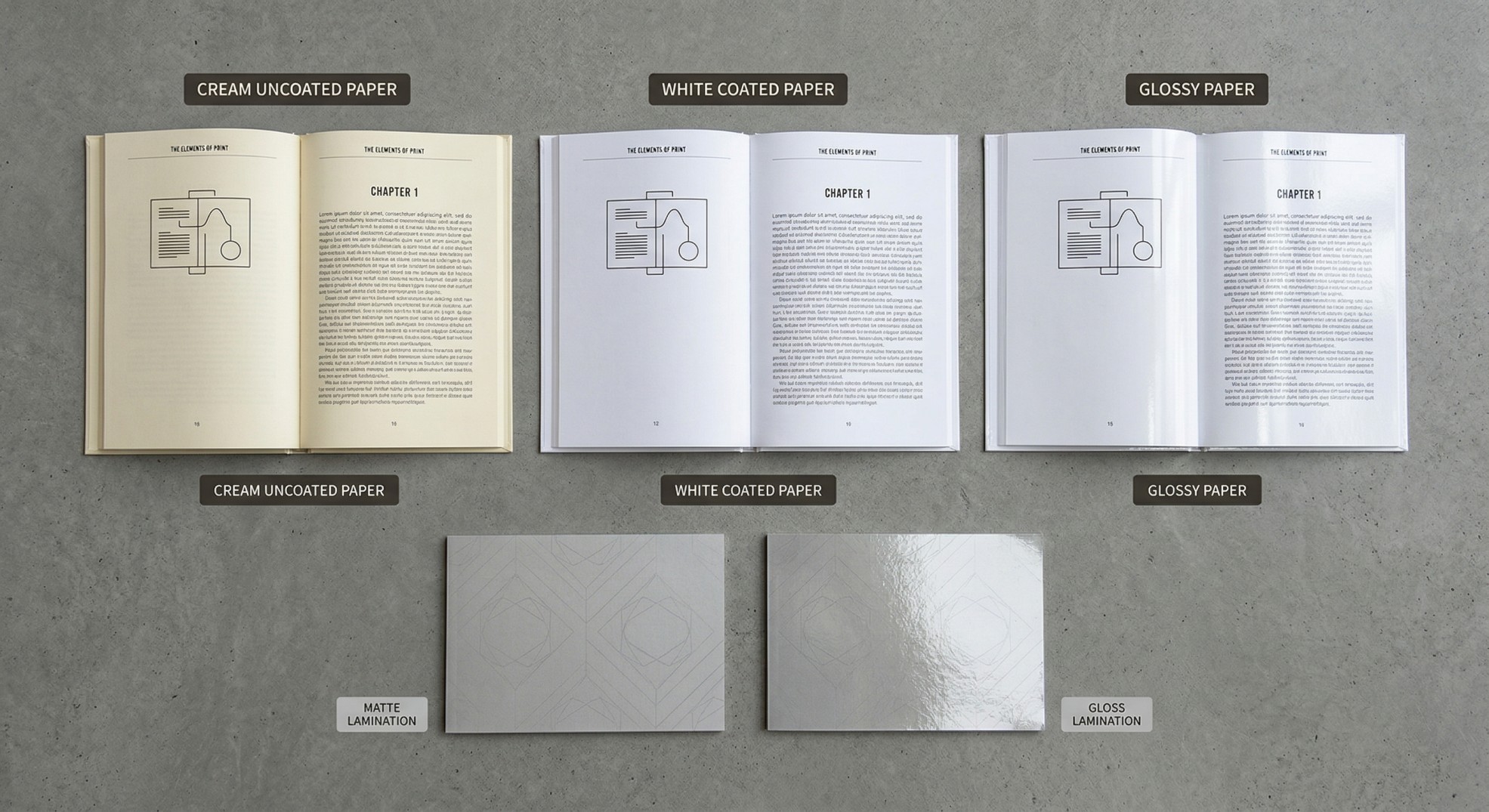
- Cover production — full-color cover printing with glossy or matte lamination
- Trimming — pages trimmed to exact trim size with precision blades
- Shipping — packaged and shipped to your door via ground or rush
Compare this to the DIY route where you'd have to print at home (or at a copy shop), then find a separate binder, then figure out covers, then pay for shipping. The integrated online service is faster, cheaper, and higher quality. Searches for “print and bind pdf online” or “pdf printing and binding service” or “pdf binding service” all land here — it's the same thing.
Binding Options When Printing a Book from PDF
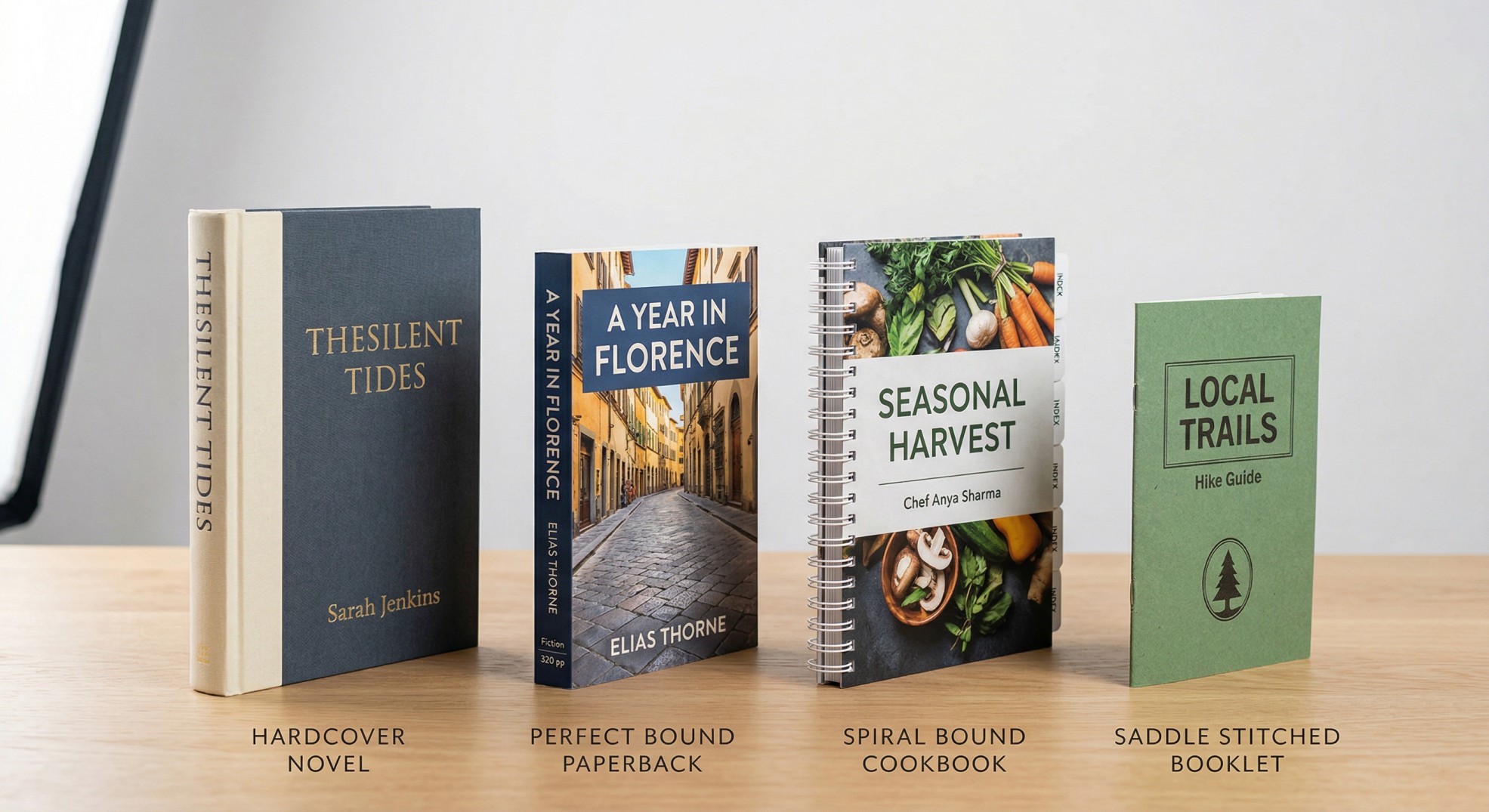
Your PDF can be printed with any of four binding types. Upload the same file, pick the binding, order.
Print a Paperback Book from PDF
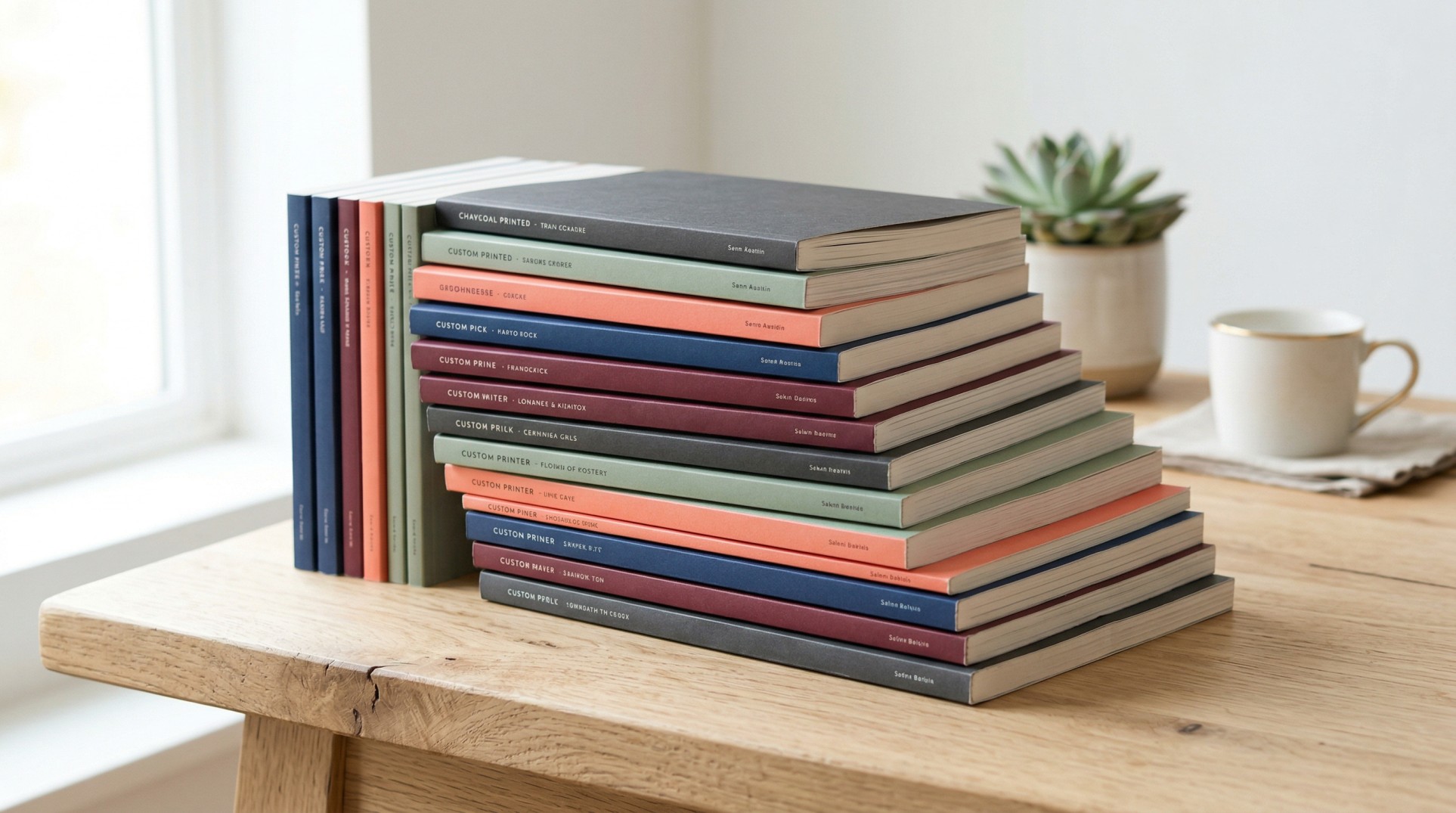
Perfect bound paperback is the most common binding for novels, memoirs, and nonfiction printed from PDF. Flat glued spine, laminated cover, professional retail appearance. 64–800 pages.
Best for: Novels, memoirs, nonfiction, self-published books, trade paperbacks
Print a Hardcover Book from PDF
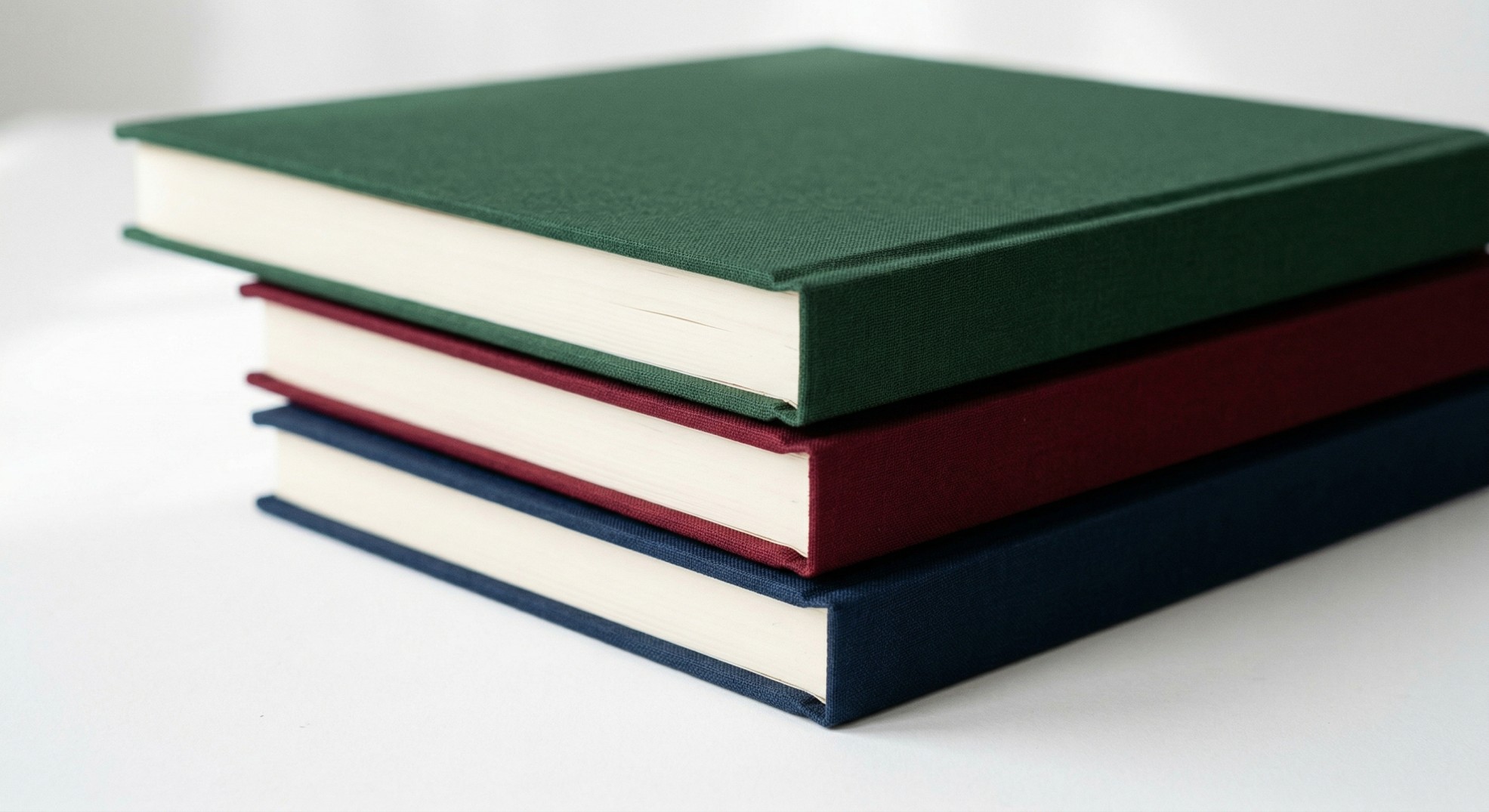
Hardcover case binding gives your PDF the premium feel of a bookstore hardcover. Turn your PDF into a hardcover book for gift editions, premium releases, photo books, and family legacy projects. Starts around $18 per copy for a 200-page book.
Best for: Premium editions, gift books, photo books, coffee table books, legacy projects
Print a Spiral Bound Book from PDF
Spiral / Wire-O binding lets the book lay completely flat — ideal for cookbooks, workbooks, manuals, music books, and field guides. 20–400 pages.
Best for: Cookbooks, workbooks, manuals, field guides, sheet music, training materials
Print a Booklet from PDF (Saddle Stitch)
Saddle stitch uses two staples through the spine fold. The most affordable option for thin publications — programs, chapbooks, zines, newsletters. 8–80 pages (must be divisible by 4).
Best for: Programs, chapbooks, zines, event booklets, newsletters, short publications
What Your PDF Needs to Print Successfully
The biggest source of reprint delays is PDF issues that could have been caught before ordering. Here's what your file needs.
- • Trim size match — your PDF page dimensions must match your selected trim size (e.g., 6" x 9"). Don't use letter-sized pages with margins; set the actual page size in your layout software.
- • Bleed (0.125") — if images or colors extend to the page edge, artwork must extend 0.125" beyond the trim line. Text should stay at least 0.25" inside the trim. If your book is pure text with white margins, you don't need bleed.
- • 300 DPI images — web images at 72 DPI will print blurry. Most phone camera photos are fine if they haven't been compressed for web use.
- • CMYK color mode — commercial printing uses CMYK, not RGB. Most design software can export in CMYK. If your file is RGB, the system auto-converts during upload.
- • Fonts embedded — choose “embed fonts” when exporting so fonts travel with the file. Most export settings do this by default.
- • Single combined PDF — upload your interior as one PDF, not individual chapter files.
PDF/X-1a or PDF/X-4 are the print-industry standards, but any recent PDF (version 1.4+) works. The upload system handles conversion if needed.
Can You Print a Book from a PDF at Home?
Before you go down the home printing route, here's the honest breakdown.
- • Ink cost: $0.05–0.10 per page B&W, $0.15–0.30 per page color. A 200-page B&W book costs $10–80 in ink depending on your printer.
- • Paper cost: ~$5–10 for a ream of 500 sheets. Paper is the trivial cost.
- • Print quality: Consumer inkjet doesn't match commercial printing. Less dense blacks, less saturated colors, thinner-feeling paper.
- • Binding at home: You cannot make a real hardcover or perfect bound paperback at home. Your options are three-hole punch + ring binder, staples through the center, or DIY gluing — all visibly amateur.
- • Time cost: 2–4 hours of printing plus manual binding work.
When home printing makes sense: you need to read through a draft once and will throw it away, you're printing a ten-page handout (not a book), or you have a truly one-hour deadline that rules out any external printer.
When it doesn't: any real book you plan to keep, read repeatedly, sell, give as a gift, or show to anyone. For all of those, online book printing costs less than home printing and produces a real book.
Who Prints a Book from a PDF
- • Self-published authors printing novels, memoirs, and poetry collections from their final manuscript PDF
- • Students printing thesis and dissertation PDFs for committee distribution
- • Cookbook writers turning their recipe collection PDF into a printed cookbook
- • Educators printing course packets and textbooks from lecture PDFs
- • Families converting a PDF memoir or memorial book into a legacy book for relatives
- • Small businesses printing training manuals and brand books from design PDFs
- • Photographers printing portfolio books from Lightroom Book module exports
- • Coaches and consultants printing client workbooks and authority books
- • Short-run publishers running 100–500 copy print editions of PDF manuscripts
Print One Book from a PDF
Can I print just one book? Yes. There is no minimum order. Single-copy printing is common for:
- • Proof copies — verify color, binding, and layout before ordering a larger run
- • Personal projects — a family history book, a memoir for yourself
- • Gift copies — one custom copy for a specific person
- • Portfolio reviews — a photographer's single proof for a client meeting
A single 200-page B&W paperback starts at around $8. A single 200-page hardcover starts at around $18. No setup fee, no plate charge, no minimum order surcharge. Most customers order one proof first, then place the larger order once they've seen the physical book.
Why Print Your PDF Online with YourBookPress
- No minimums. Print 1 copy or 5,000. Same online process, same quality.
- Instant pricing. Calculator gives exact prices in real-time — no quote requests, no sales calls.
- All binding types. Hardcover, paperback, spiral, saddle stitch — all from the same PDF upload.
- PDF auto-check. Upload system flags issues before ordering so you don't discover problems after printing.
- Real proof before production. Every order gets a digital proof for approval.
- 100% of your rights. We're a printer, not a publisher. Your content, your copyright.
- Ships worldwide. Free shipping on 50+ copies in the US, international shipping to 50+ countries.
Frequently Asked Questions
How do I print a book from a PDF?
Upload your PDF, choose binding, paper, and quantity in the calculator at the top of this page, approve a digital proof, and your books ship in 7–10 business days.
How much does it cost to print a book from a PDF?
A 200-page B&W paperback starts around $8 per copy at quantity 1, dropping to ~$2.15 at 1,000 copies. Hardcover starts at ~$18. Use the calculator for exact prices on your specs.
Can I print a hardcover book from a PDF?
Yes. Select hardcover in the calculator, upload your PDF, and order. 200-page hardcovers start at ~$18/copy. Home printers and local copy shops cannot produce real hardcover case-bound books.
Can I print a photo book from a PDF?
Yes. Use 100# glossy paper and premium color for best photo reproduction. Works with hardcover or perfect bound. See our coffee table book printing guide for photo-specific recommendations.
Can I print a book from a PDF at home?
Technically yes, but it usually costs more in ink than professional online printing, takes hours, and produces an amateur result. Not recommended for any book you plan to keep, sell, or gift.
What is the cheapest way to print a book from a PDF?
Online book printing at volume (50+ copies) with perfect bound + B&W + 70# uncoated. Drops to ~$2.15 per copy at 1,000.
Where can I print and bind a PDF near me?
Online book printers ship to you, so you don't need local. For same-day single copies, local Staples/FedEx works but costs 3–5x more. Online wins on cost and quality for anything beyond a single rush copy.
How long does it take to print a book from a PDF?
Standard: 5–7 business days production + 2–5 days shipping = 7–12 days total. Rush production (2–3 days) available at checkout.
Can I print just one book from a PDF?
Yes. No minimum order, no setup fees. A single 200-page B&W paperback starts at ~$8.
What PDF format is best for book printing?
Sized to your trim size, 300 DPI images, CMYK color mode, fonts embedded, 0.125" bleed for full-bleed designs. PDF/X-1a or PDF/X-4 are ideal but any standard PDF works.